


How to Create and Track a PSX Stock Portfolio
Building wealth on the Pakistan Stock Exchange (PSX) comes down to two distinct skills that beginners often blur together. The first is creating a portfolio: actually opening an account and buying shares through a licensed broker. The second is tracking it: keeping an accurate, organized record of what you own, what it cost, what it is worth and how it is performing over time.
Most new investors focus entirely on the first part and neglect the second. That is a mistake, because a portfolio you cannot see clearly is a portfolio you cannot manage well.
This guide walks through both halves: how to create a PSX stock portfolio step by step, and how to track it properly afterwards, including FIFO, dividend tracking, costs, corporate actions and why a cleaner PSX portfolio tracker like Investify can be easier to live with than a broker dashboard built mainly for placing orders.
Key takeaways
- A PSX stock portfolio is more than a list of tickers. It is a record of holdings, transactions, dates, costs, dividends and realized history.
- Creating a portfolio means buying shares through a licensed broker.
- Tracking a portfolio means maintaining accurate records after every buy, sell, dividend and corporate action.
- FIFO means First In, First Out. It decides which purchase lot is treated as sold first when you sell part of a position.
- Transaction dates matter because FIFO, holding period, dividend eligibility and performance charts depend on them.
- Dividends should be tracked separately and included when measuring total return.
- Broker dashboards can be useful for trading, but a dedicated PSX portfolio tracker can give a cleaner long-term view.
What is a PSX stock portfolio?
A PSX stock portfolio is the collection of shares you own on the Pakistan Stock Exchange, plus the transaction records behind those shares. It is not just a list of company names. A proper portfolio captures:
- how many shares of each company you hold
- what you paid for them
- when you bought them
- what you sold, if anything
- what dividends you received
- what costs, taxes and charges were involved
- how your allocation is spread across stocks and sectors
Think of it like the books for a small shop. The shelves are your shares, but the ledger is what tells you whether you are actually making money, where your risks are and which decisions worked.
The difference between creating and tracking a portfolio
These are two separate jobs, and doing one well does not mean you have done the other.
Creating a portfolio is the action of buying shares: opening the brokerage account, funding it, researching companies and placing orders through your broker.
Tracking a portfolio is the ongoing discipline of recording and reviewing holdings: average cost, gains and losses, dividends, allocation, FIFO lots and performance over time.
You create a portfolio each time you buy. You track it continuously. Keeping the two ideas distinct is the foundation of a clean investing routine.
Part 1: How to create a PSX portfolio
Step 1: Open a brokerage account with a licensed broker
Everything starts with a brokerage account Pakistan investors can trade through. You cannot trade directly with the exchange as an ordinary investor; your orders go through a licensed securities broker.
Choose your broker carefully. Licensing, platform quality, fees, account-opening process, customer support and reporting all matter. PSX investor material also emphasizes dealing through registered brokers and opening accounts in your own name.
Step 2: Complete CDC, UIN and KYC requirements
As part of account opening, your broker helps set up the trading and custody structure around your account. That usually includes:
- a brokerage account with the broker
- a CDC sub-account where purchased shares are held electronically
- a UIN, or Unique Identification Number, with NCCPL
- KYC and CDD checks, including identity verification
Make sure your CNIC, mobile number, email and address are consistent across the broker, CDC and NCCPL records. PSX investor guidance specifically highlights the importance of matching information across the account-opening form, CDC sub-account and UIN database.
Step 3: Deposit funds through banking channels
Fund your account through official banking channels, not cash. Keep the deposit confirmation. How much you start with is up to you and your broker's policy, but it should be money you can afford to invest, separate from emergency savings and near-term spending needs.
Step 4: Research stocks before buying
Before placing an order, research the companies you are considering. Review:
- what the company does
- earnings and EPS
- P/E and valuation
- debt and cash flow
- dividend history and payout sustainability
- recent PSX announcements
- sector context
- price history and volume
This is where a research tool earns its place. You can study stock pages, charts, fundamentals and announcements before deciding whether a stock belongs in your portfolio. The goal is to buy deliberately, not because of a tip.
Step 5: Place buy orders through the broker platform
Once your account is funded and your research is done, you place the buy order on your broker's trading platform. You enter the stock symbol, quantity, price and order type. When the order executes, you should receive a trade confirmation.
PSX has introduced a One Share Lot system for the regular market, meaning investors can buy even one share of a listed company on the regular market. Check your broker and the relevant market segment for any exceptions.
Step 6: Understand order types, fees, taxes and settlement
A few mechanics every PSX investor should know:
- Market order: executes at the best available current price. It prioritizes execution over exact price control.
- Limit order: executes only at your specified price or better. It gives price control but may not fill.
- Brokerage commission: charged by your broker on each trade. Read the tariff schedule.
- Other charges: may include PSX, CDC, NCCPL, SECP and tax-related charges depending on the transaction and broker tariff.
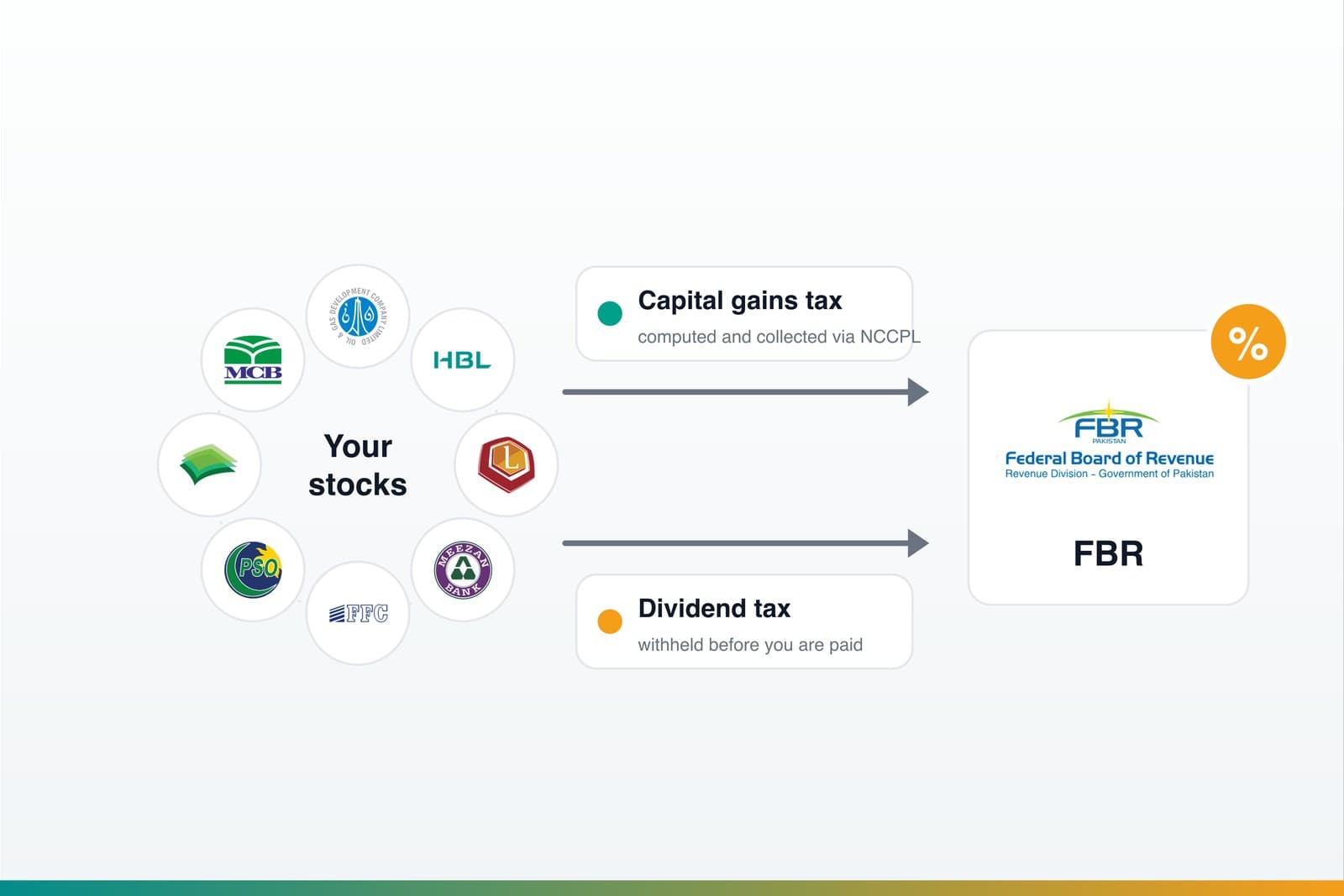
- Capital Gains Tax (CGT): applied to gains when securities are disposed of, with NCCPL responsible for computing, determining, collecting and depositing CGT under the CGT regime.
- Settlement: PSX announced that eligible trades moved to a T+1 settlement cycle effective February 9, 2026, replacing the earlier T+2 cycle. Settlement rules can vary by market segment, so verify current details with PSX, NCCPL or your broker.
Step 7: Keep records of each purchase
The moment you buy, record the details:
- stock symbol
- quantity
- price per share
- transaction date
- brokerage and charges
- reason for buying
This habit makes accurate tracking possible later. Dates matter especially because FIFO depends on transaction order.
Part 2: How to track a PSX portfolio
Creating the portfolio is the easier part. Tracking it accurately over months and years is where most investors slip.
Step 1: Add every holding to a portfolio tracker
For each share you own, add it to your tracker so you have one complete view. Do not leave small positions out. A half-recorded portfolio gives half-true numbers.
Step 2: Enter the correct stock symbol
Use the exact PSX ticker. The symbol is what links your record to the right price, chart, announcements and fundamentals.
Step 3: Enter buy quantity
Record exactly how many shares you bought in that transaction. If you bought the same company multiple times, enter each purchase as its own transaction.
Step 4: Enter buy price
Enter the actual price per share you paid. Your cost basis depends on it, and small errors can add up over time.
Step 5: Enter the actual transaction date
Enter the real execution date. This is not a formality. FIFO, holding period, dividend eligibility and performance charts all depend on correct dates.
Step 6: Add brokerage, taxes and settlement charges if supported
If your tracker supports costs, include brokerage commission, taxes and CDC/NCCPL/settlement-related charges for each transaction. These reduce your real return, and leaving them out makes performance look better than it is.
Step 7: Update sell transactions accurately
When you sell, record the sale just as carefully as the buy: quantity, price, date and charges. An unrecorded sale leaves your tracker showing shares you no longer own.
Step 8: Record dividends separately
Dividends are a separate stream of return from price gains. Record them separately instead of folding them into price performance.
Step 9: Track bonus shares, rights shares, splits and corporate actions
If a company issues bonus shares, a rights issue, a split or another corporate action, your share count and cost basis may change. Record those adjustments so your holdings stay accurate.
FIFO explained: First In, First Out
If there is one concept that separates a tidy portfolio record from a messy one, it is FIFO, which stands for First In, First Out.
FIFO means that when you have bought the same stock multiple times at different prices and then sell some shares, the earliest shares you bought are treated as the first shares sold.
This matters for PSX investors because NCCPL states that the FIFO inventory accounting method is used to determine CGT. FIFO affects:
- realized gain or loss, because it decides which purchase lot is matched against your sale
- average cost versus realized profit, because average cost describes the overall position while FIFO determines the realized result of a sale
- tax records, because CGT computation uses acquisition and disposal information
- portfolio history, because FIFO depends on transaction order
A simple PSX FIFO example
Suppose you buy shares of a company we will call Stock A:
| Transaction | Quantity | Price | Cost |
|---|---|---|---|
| Buy 1 | 100 shares | PKR 50 | PKR 5,000 |
| Buy 2 | 50 shares | PKR 60 | PKR 3,000 |
You now hold 150 shares with total cost of PKR 8,000. The average cost is about PKR 53.33 per share.
Later, you sell 80 shares at PKR 70.
Under FIFO, those 80 sold shares come out of the earliest lot first: the 100-share lot bought at PKR 50.
| FIFO sale calculation | Amount |
|---|---|
| Sale proceeds | 80 x PKR 70 = PKR 5,600 |
| Cost of sold shares | 80 x PKR 50 = PKR 4,000 |
| Realized gain before charges/tax | PKR 1,600 |
After the sale, your remaining holding is:
| Remaining lot | Quantity | Cost per share | Cost |
|---|---|---|---|
| Left from Buy 1 | 20 shares | PKR 50 | PKR 1,000 |
| Buy 2 | 50 shares | PKR 60 | PKR 3,000 |
| Total remaining | 70 shares | - | PKR 4,000 |
Notice that the realized gain used the PKR 50 first-lot cost, not the average cost of PKR 53.33. That is FIFO at work.
If you entered the dates incorrectly and your tracker thought the PKR 60 lot came first, the realized gain would be wrong. That is why dates are non-negotiable.
Why dates matter so much
Dates drive several parts of portfolio tracking:
- FIFO order: wrong dates can assign the wrong lot to a sale.
- Dividend eligibility: whether you receive a dividend depends on holding the shares around book closure and ex-dividend timing.
- Performance tracking: holding period and time-based return charts depend on accurate buy and sell dates.
- Portfolio history: wrong dates can distort realized profit, holding period and the shape of portfolio returns.
Enter the actual transaction dates every time. It is the cheapest insurance for an accurate portfolio.
Dividend tracking done right
Dividends are part of total return, especially on PSX where many established companies have a strong dividend culture.
Record these details for each dividend:
- dividend per share
- number of eligible shares
- announcement date
- book closure or ex-dividend context, where relevant
- payment date, if available
- withholding tax deducted, if applicable
Cash dividends versus bonus shares
A cash dividend pays money to shareholders and may be subject to withholding tax.
Bonus shares give shareholders additional shares instead of cash. Bonus shares affect share count and per-share cost, so they should not be recorded like cash dividends.
Include dividends in total return
Your true portfolio return is not just price change. It is price change plus dividends received, adjusted for costs and taxes where relevant. Ignoring dividends can understate performance, especially for dividend-heavy PSX portfolios.
Tax rates and withholding rules change over time. Verify current dividend and CGT treatment with FBR, NCCPL, your broker or a qualified tax professional.
Why a broker dashboard may not be enough
Many investors discover that a broker platform that is useful for buying and selling shares can be frustrating for long-term tracking.
- Broker apps are built for order execution first.
- Layouts can be cluttered or inconsistent across brokers.
- Historical tracking may be hard to review.
- Dividends, FIFO lots, average cost and realized versus unrealized gains may not be shown clearly.
- Allocation by stock or sector may require separate work.
A dedicated PSX portfolio tracker does not replace your broker. It gives you a clearer long-term view alongside the broker account where trades actually happen.
What Investify can help you track
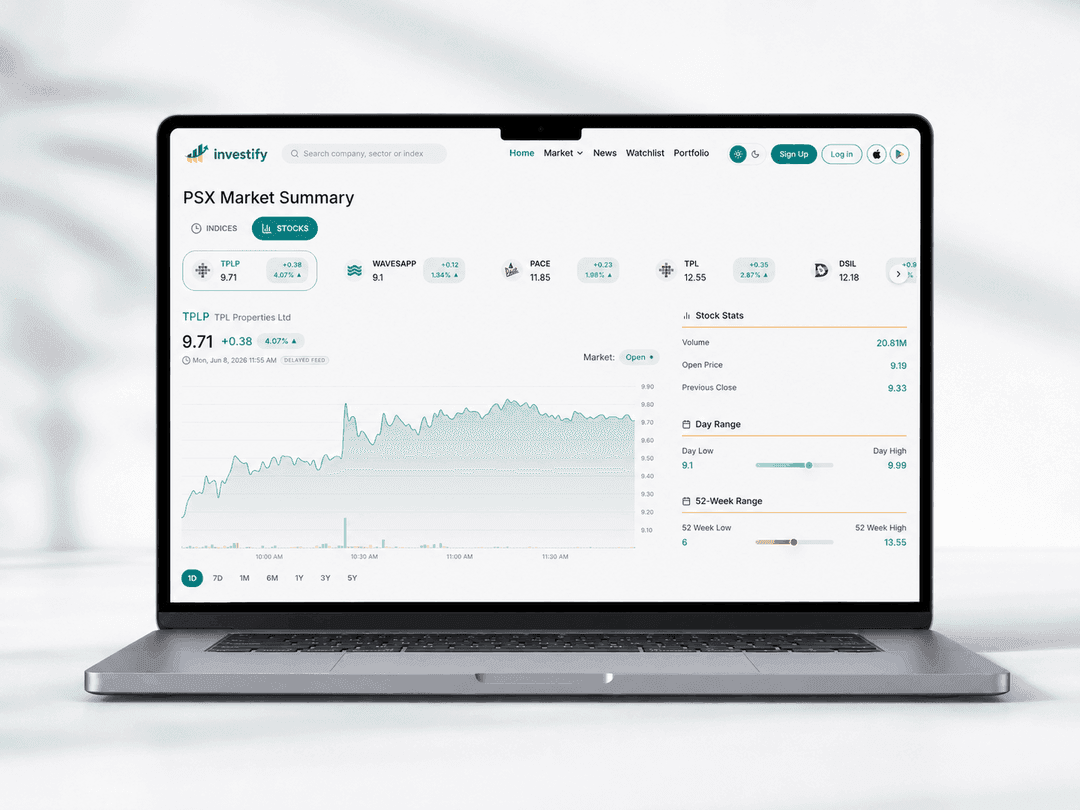
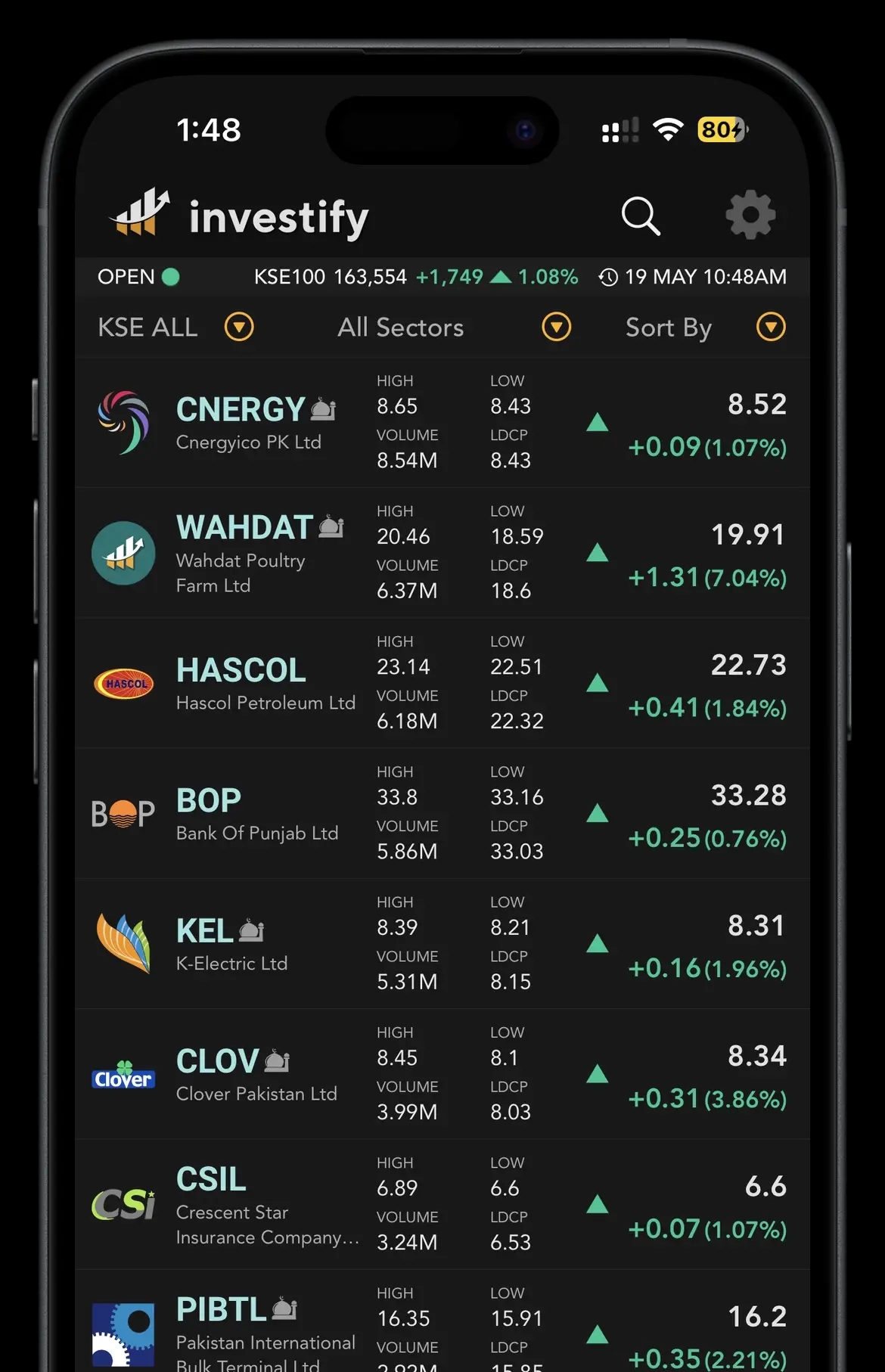
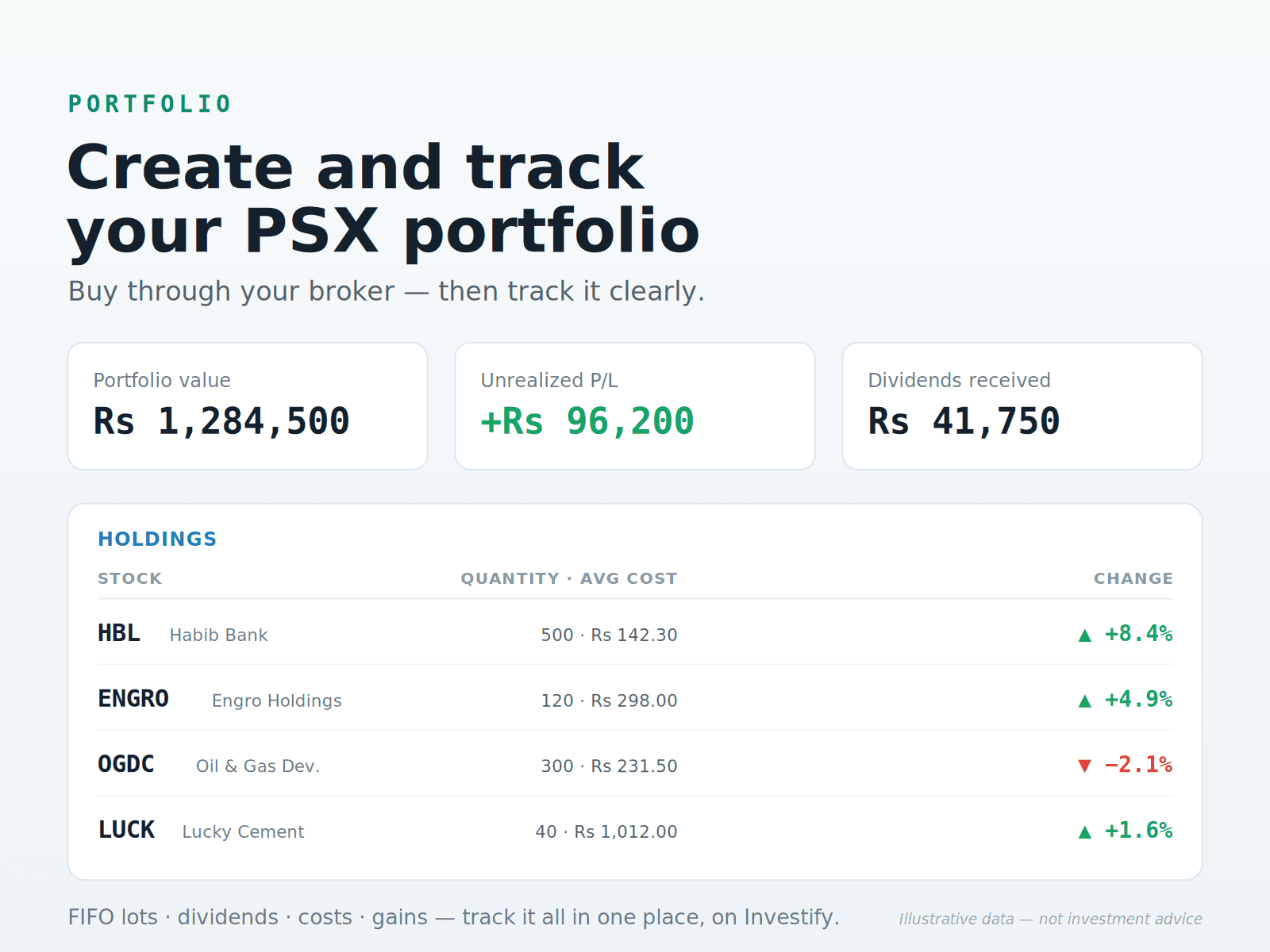
Investify is a PSX portfolio tracker and research app designed for monitoring, not trade execution. It can help you review:
- holdings
- buy and sell transactions
- average cost
- realized and unrealized gain or loss
- FIFO-based transaction history, where supported
- dividends
- current prices and portfolio value
- allocation by stock and sector
- watchlists
- charts
- fundamentals
- announcements
- market data
You buy and sell through your licensed broker, then use Investify to see and understand your Pakistan Stock Exchange portfolio more clearly.
Track your PSX portfolio in Investify
Add holdings, transactions and dividends, then review portfolio value, gains, allocation, stock pages, charts and announcements in one workflow.
Open portfolio trackerA worked example, end to end
Pulling it together with the same numbers:
- You buy 100 shares of Stock A at PKR 50 on an early date. Your tracker shows 100 shares with cost of PKR 5,000.
- Later, you buy 50 more at PKR 60. Now you hold 150 shares with total cost of PKR 8,000 and average cost of about PKR 53.33.
- You sell 80 shares at PKR 70. Under FIFO, those 80 come from the first lot at PKR 50, creating a realized gain of about PKR 1,600 before charges and tax.
- You now have 70 shares left: 20 from the first lot and 50 from the second lot.
- If Stock A later pays a cash dividend, you record the per-share amount, eligible shares, dates and withholding tax, then include it in total return.
Get the dates right at every step and this history stays clean. Get them wrong and realized gain, holding period and charts can drift from reality.
Portfolio tracking checklist
For every transaction and holding, capture:
- stock symbol
- buy or sell date
- quantity
- price per share
- charges
- dividend received
- bonus, right or split adjustments
- notes or reason for buying
- review frequency
One useful habit is to write one sentence per holding: "I own this because..." If you cannot finish the sentence, you may not understand the position yet.
Common mistakes to avoid
- Only looking at the broker balance. A single balance hides cost basis, dividends, allocation and realized versus unrealized gains.
- Forgetting dividends. Leaving them out understates true total return.
- Entering wrong buy dates. This breaks FIFO, holding period and performance history.
- Mixing up average cost and FIFO realized profit. They answer different questions.
- Ignoring fees and taxes. They reduce real returns.
- Not updating sells. Your tracker then shows holdings you no longer own.
- Not recording bonus or rights shares. Your share count and cost basis can silently go out of sync.
- Tracking only profit/loss and ignoring allocation risk. A portfolio can be up while dangerously concentrated.
- Overtrading because you check too often. Constant monitoring can tempt emotional decisions and increase charges.
- Buying on tips without a plan. No recorded reason means no way to judge the holding later.
Responsible investing guidance
Tracking is a tool for better decisions, not a strategy by itself.
- Diversify across sectors instead of concentrating everything in one area.
- Avoid putting all your money into one stock.
- Match your portfolio to your goals, time horizon and risk tolerance.
- Review fundamentals, debt, earnings, dividends, valuation and announcements.
- Do not treat portfolio tracking as financial advice.
A balanced conclusion
Creating a PSX stock portfolio and tracking it are connected, but they are not the same job. You create the portfolio by buying shares through a licensed broker. You track it by recording transactions, dates, costs, dividends, corporate actions and performance over time.
The better your records, the clearer your decisions become. FIFO helps you understand realized gains. Dividend tracking helps you see total return. Allocation tracking helps you spot concentration risk. And a clean PSX portfolio tracker can make the whole routine easier than trying to decode a broker dashboard every time you want the long-term picture.
Related reading
Sources and references
- PSX - Open an Account and InvestOfficial PSX investor guide covering brokerage accounts, CDC sub-accounts, UIN, non-cash deposits and trade confirmations.
- PSX Investor Awareness GuideOfficial investor awareness guide covering registered brokers, account opening, tariff schedules and matching CDC/NCCPL records.
- PSX One Share Lot announcementOfficial PSX note explaining that investors can buy even one share on the regular market.
- PSX T+1 settlement announcementOfficial PSX press release announcing T+1 settlement for eligible trades effective February 9, 2026.
- NCCPL Capital Gain TaxOfficial NCCPL page explaining its CGT computation, collection and annual certificate role.
- NCCPL Corporate BrochureNCCPL reference noting that FIFO inventory accounting is used to determine CGT.
- JamaPunji - CDC accountsInvestor education reference explaining CDC sub-accounts and investor accounts.
- FBR withholding tax rate cardsOfficial FBR source to verify current withholding tax rates.